

Free Fire or Free Fire MAX: Which One Should You Play?
Same game, two versions. But one can push your device to the limit while the other just runs smoothly. Understanding which one is right for you saves you from lag, overheating, storage headaches, and frustrating matches.
Free Fire MAX is Garena’s graphically upgraded version of the original game. Both versions are fully active and connected through Garena’s Firelink technology, which syncs your account progress, rank, skins, diamonds, and purchases across both apps. You can play either version with the same account and even queue into the same matches as friends playing the other version.
Here are the five major differences that actually affect your gameplay and device performance, so you can make the right call before you install or switch.
Difference 1: Graphics and Visual Quality
This is the most obvious difference the moment you load into a match. Free Fire uses standard textures built to run on any device, including phones with as little as 2GB of RAM. The visuals are clean and functional. Everything you need to play competitively is visible, but the environments look flat compared to what MAX offers.
Free Fire MAX uses Ultra HD textures, advanced lighting, detailed water and grass rendering, enhanced shadow effects, and sharper character models. The game looks closer to a console experience than a mobile one on a capable device. Muzzle flashes, environmental reflections, and foliage density are all noticeably more detailed.
There is one practical consideration that players often miss. When you are running MAX at high settings, and an enemy is using standard Free Fire, the visual environment you see and the one they see are different. This does not affect hit registration or mechanics, but it can affect how targets look against certain backgrounds. Your visibility advantage depends entirely on your device settings and the quality you can consistently maintain.
Difference 2: Frame Rate, Performance, and Device Requirements
Standard Free Fire is engineered for lightweight performance. It runs smoothly on devices with 2GB of RAM, holds a stable frame rate without demanding strong GPU performance, and stays cool during long sessions. This is the version that made Free Fire one of the most downloaded mobile games globally, because it works on almost any phone.
Free Fire MAX supports higher frame rates, with 90 and even 120 FPS available on supported flagship devices. The smoother frame rate translates to smoother aim tracking, crisper movement during fights, and a more responsive feel overall. However, to actually run MAX at these frame rates without drops, you need a device with at least 3GB of RAM and a reasonably strong processor. Running MAX on a low-end device does not give you a better experience. It gives you lag, overheating, and frame drops during squad fights, which is the worst time for your game to stutter.
The storage footprint is also significantly different. Free Fire MAX has a larger install size due to its high-resolution assets, and each major update tends to be larger as well. If your phone is consistently running low on storage, standard Free Fire is the practical choice regardless of how good your specs look on paper.
Difference 3: Maps, Modes, and Exclusive Features
Craftland and Map Editors
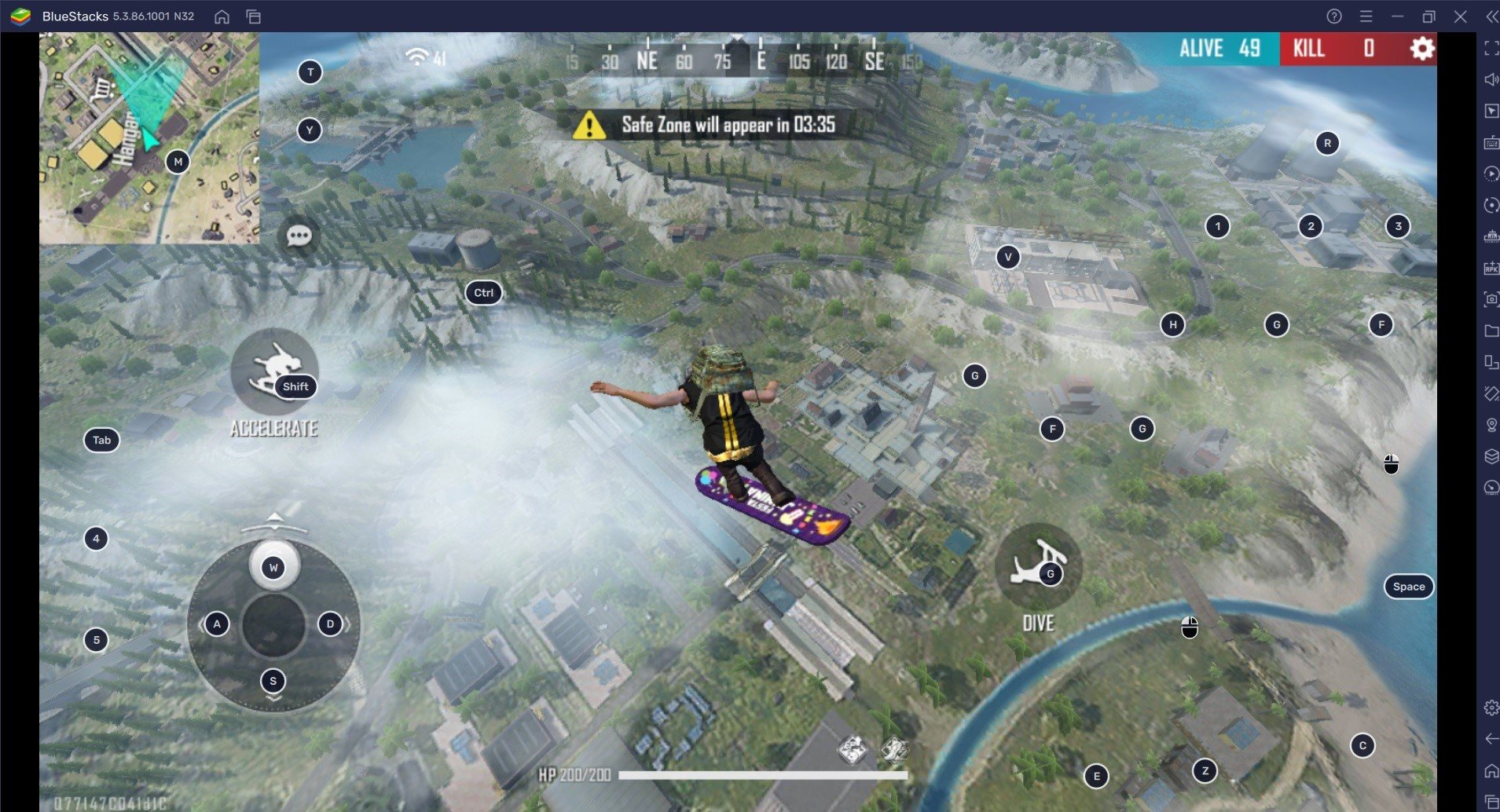
Craftland is exclusive to Free Fire MAX. It is a custom map editor that lets players design and share their own playable environments. If you enjoy creative modes, community-made maps, or want to practice in custom-built layouts, this feature is only accessible in MAX. Standard Free Fire does not include Craftland.
Bermuda MAX and Lobby Features
Free Fire MAX includes a visually upgraded version of Bermuda with richer environmental detail, more dynamic lighting, and denser foliage. The lobby experience in MAX also includes 360-degree lobby views and more polished animations when browsing menus, equipping characters, or reviewing your loadout.
Importantly, the core maps used in ranked and competitive play are the same across both versions. Standard Bermuda, Kalahari, and Purgatory are all present. The difference is in how they look, not how they are structured or played.
Firelink and Cross-Play
Firelink is the system that keeps both versions connected. Your rank, diamonds, skins, characters, and event progress are all shared between Free Fire and Free Fire MAX through the same login. You can switch between apps on the same device or different devices, and your account stays in sync. Players from both versions queue into the same matches, so you are never limited by which version your squad uses.
Difference 4: Animations, Movement, and Gameplay Feel
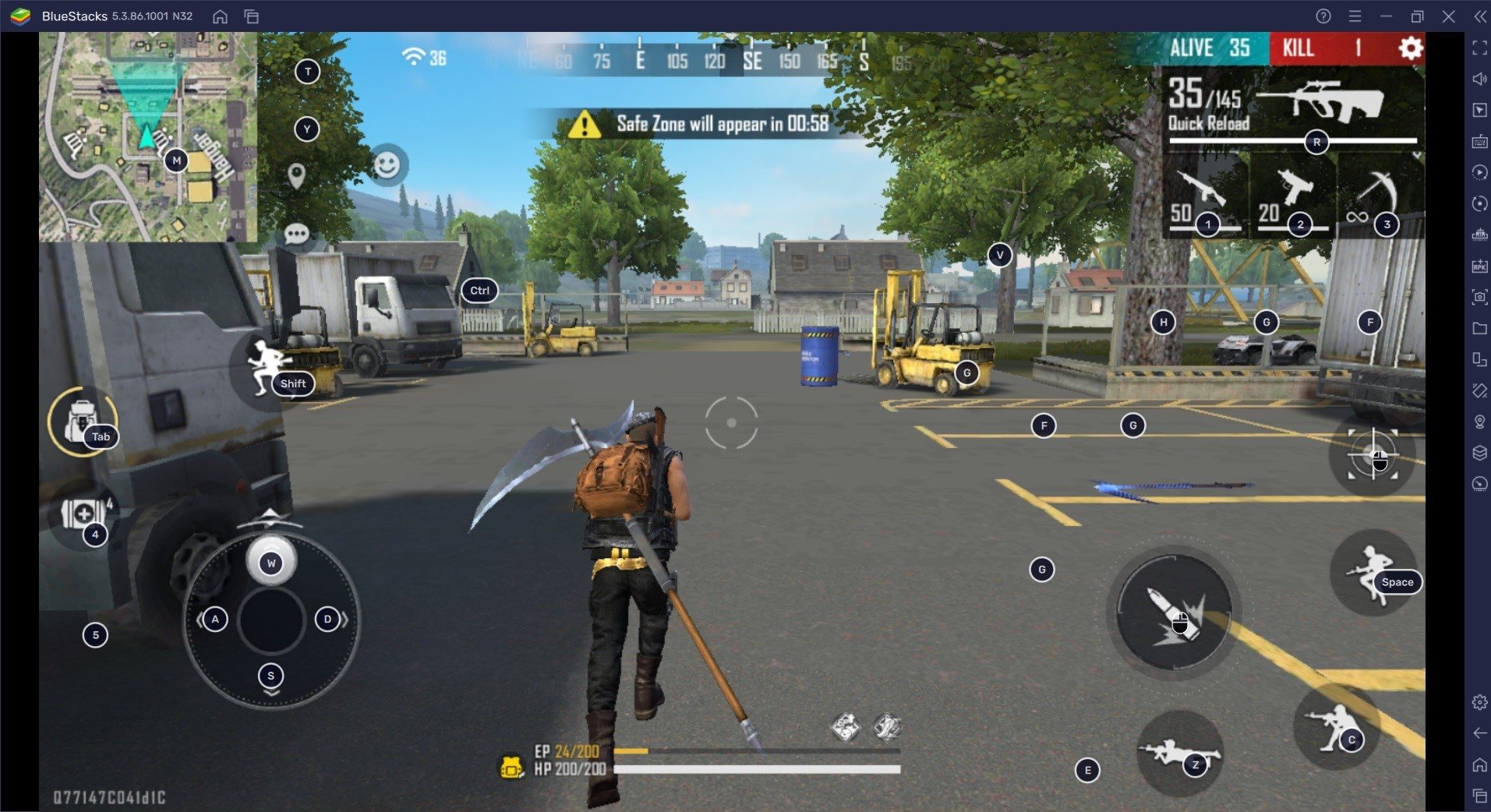
Free Fire MAX does not change the timing of any animations. Crouch speed, healing duration, armor repair, reload speed, and movement all operate on exactly the same timings as standard Free Fire. This matters for competitive play because it means switching versions does not require relearning any mechanics.
What MAX does change is how all of those actions look and feel. Reloads have more visual weight to them. Healing animations are smoother. Running, sliding, and combat transitions feel more fluid because the additional graphical polish makes every movement look more deliberate and cinematic.
This is a purely experiential difference with no impact on actual performance numbers. If your device can maintain the frame rate to support it consistently, the smoother animations make the game more enjoyable to play. If your device cannot hold the frame rate, the extra visual detail becomes a distraction during fights rather than an enhancement.
Difference 5: Data Usage, Battery Life, and Long Sessions
Free Fire MAX uses more data per session than standard Free Fire. HD assets stream more information during matches, and the higher resolution textures require more bandwidth to load consistently. If you are on a limited mobile data plan, this adds up quickly across multiple sessions per week.
Battery drain is also noticeably higher with MAX running at full settings. The GPU works harder to render the enhanced visuals, which generates more heat and draws more power. For players doing two to three-hour sessions on mobile data, standard Free Fire is the more sustainable choice for daily play.
The practical recommendation is to use Free Fire MAX when you have stable Wi-Fi and a phone that is plugged in or recently charged. Use standard Free Fire when you are on mobile data, during long sessions, or when your device runs warm during other 3D games. Since Firelink keeps everything synced, you can make this decision match by match without any cost to your account progress.
How to Choose: Which Version Is Right for You?
Play Free Fire MAX If You:
You have a phone with 3GB RAM or more and a reasonably modern processor. You play primarily on Wi-Fi and do not worry about data costs. You care about visual quality, smooth animations, and the premium feel of higher graphical settings. You want access to Craftland and want to explore custom maps and creative modes. Your phone stays cool during extended play sessions in other 3D games.
Stick with Standard Free Fire If You:
You are playing on a phone with 2GB RAM or are facing storage constraints. You rely on mobile data and want to keep consumption low. Your device heats up or experiences frame drops in other demanding games. You play long sessions daily and need your battery to last. You are on an emulator setup and prefer the lighter version for stability.
The key point is that switching between versions carries no penalty. Your account is the same, your rank is the same, your items are the same. The choice between Free Fire and Free Fire MAX is simply about matching your hardware and data situation to the version that gives you the most consistent experience.
Free Fire vs Free Fire MAX: Full Comparison
Here is a complete side-by-side breakdown of every major category so you can make your decision at a glance.
| Category | Free Fire | Free Fire MAX |
|---|---|---|
| Visual Quality | Standard textures | Ultra HD textures and lighting |
| Animations | Basic | Enhanced movement and interactions |
| Audio | Standard sound | Rich 3D gun and footstep audio |
| FPS Support Up to 90 or 120 FPS on high-end devices | Up to 60 FPS on supported devices | Up to 90 or 120 FPS on high-end devices |
| Storage Size | Lighter install | Larger due to HD assets |
| RAM Requirement | Runs on 2GB RAM | Recommended 3GB RAM or above |
| Map Editor Not available | Not available | Craftland exclusive to MAX |
Make the Right Choice and Start Playing Better Today
Both versions are strong. The right one is the one that runs consistently well on your device, fits your data situation, and gives you the smoothest experience in ranked fights. For most players in Pakistan and across South Asia, playing on mid-range devices and mobile data, standard Free Fire remains the more reliable competitive choice. For players with newer flagship phones and home Wi-Fi, Free Fire MAX delivers a noticeably better experience.
Whichever you choose, your account, rank, and items are always there. You can install both, test a few matches, and decide for yourself without losing anything.
Visit our Free Fire MAX settings guides, sensitivity breakdowns, and device optimisation pages for everything you need to get the best performance out of whichever version you run.